Your Ticketing System Is a Knowledge Base. You're Just Not Using It.
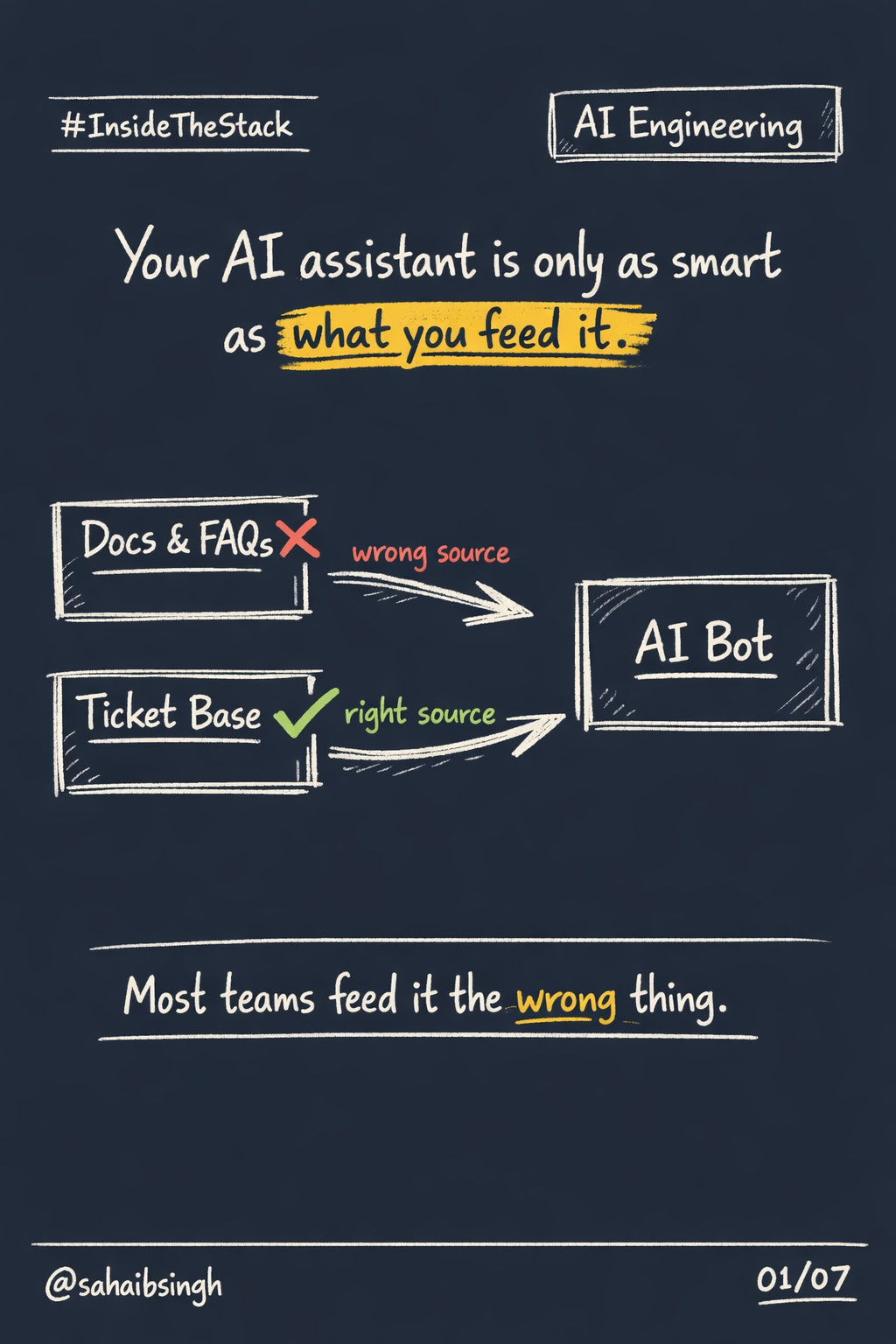
Most teams building AI assistants start in the wrong place.
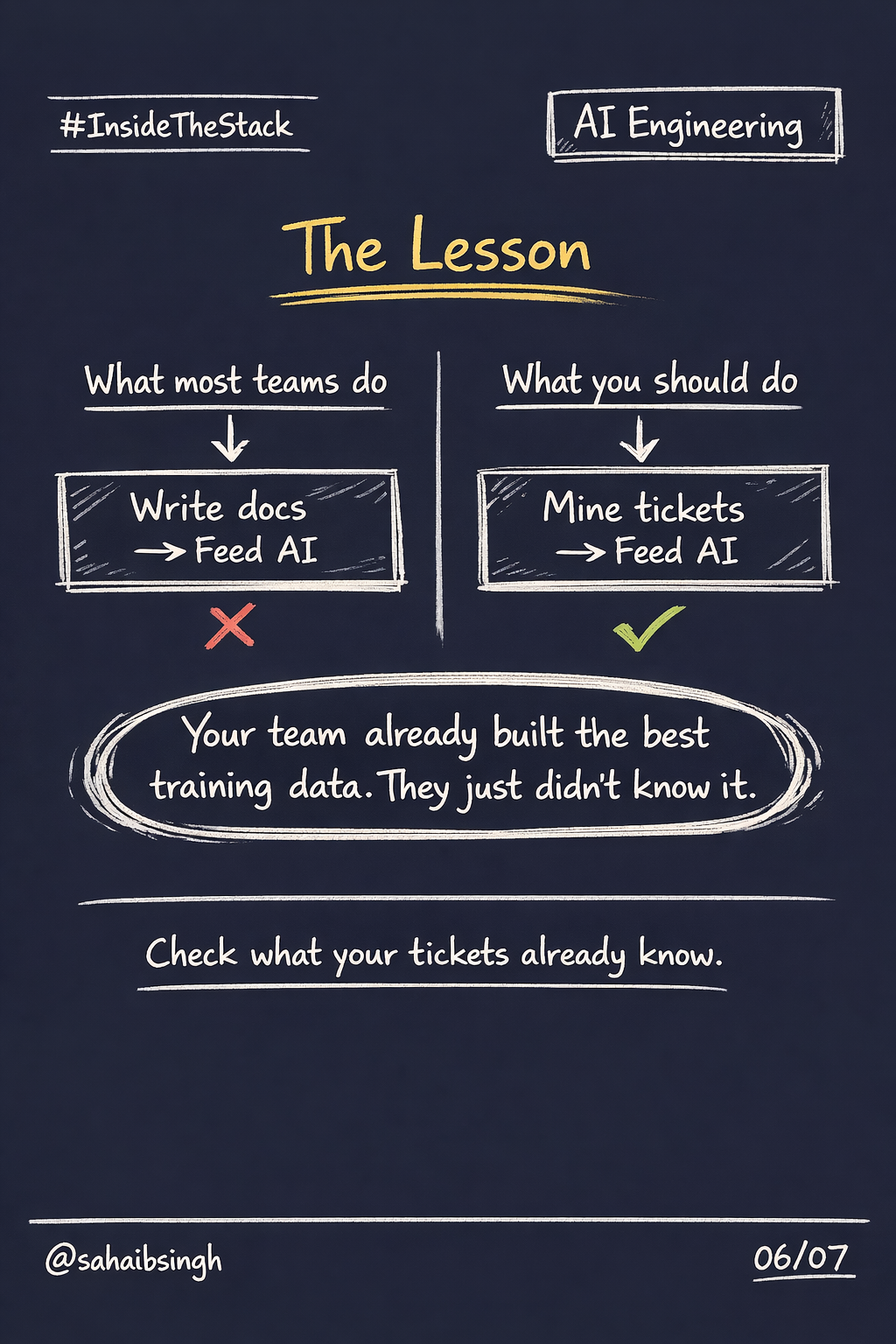
They open their docs folder. They export FAQs. They feed the assistant product guides, help articles, release notes. The assistant learns how the product is supposed to work.
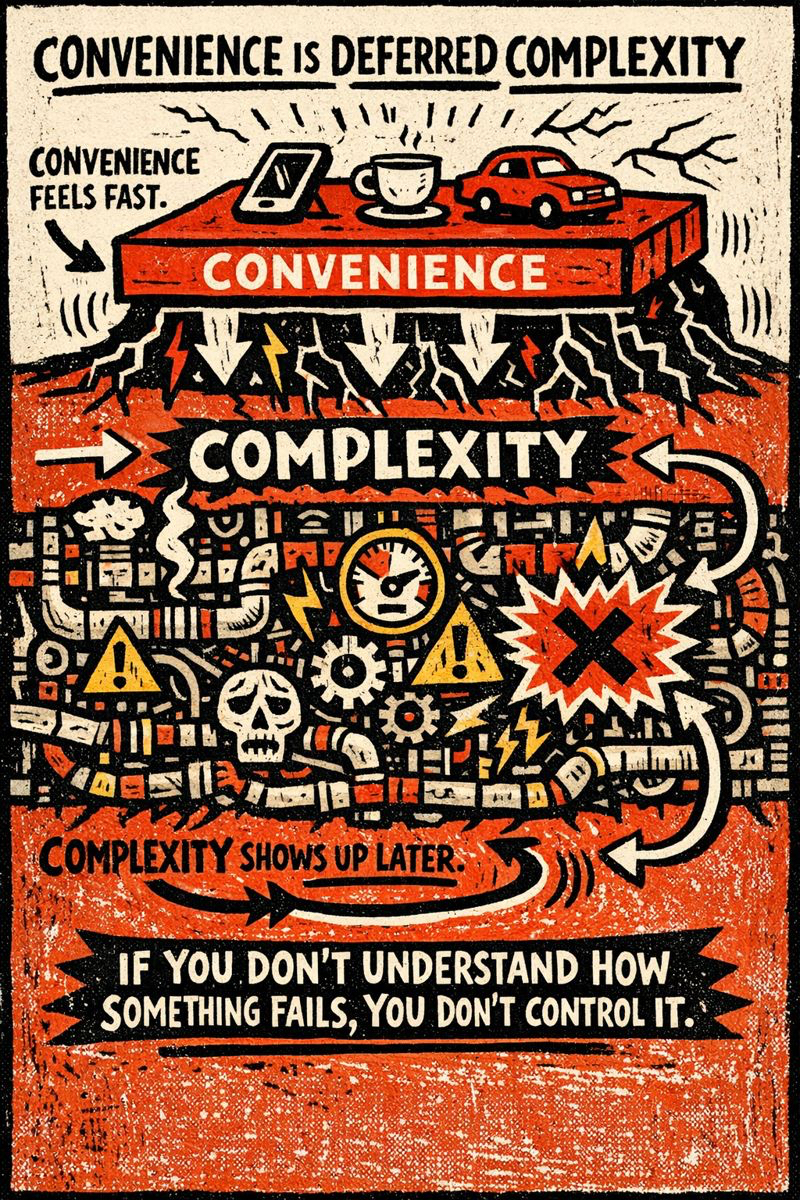
That is a documentation problem pretending to be a knowledge problem.
Documentation describes intent. It was written before customers touched the product. It describes the happy path. It does not describe the moment a user hits an unexpected error at 11pm, the exact words they used to describe it, or the three steps your support engineer took to resolve it.
Your ticketing system does.
The data you already have
Every ticket your team has ever closed is a compressed signal.
It contains:
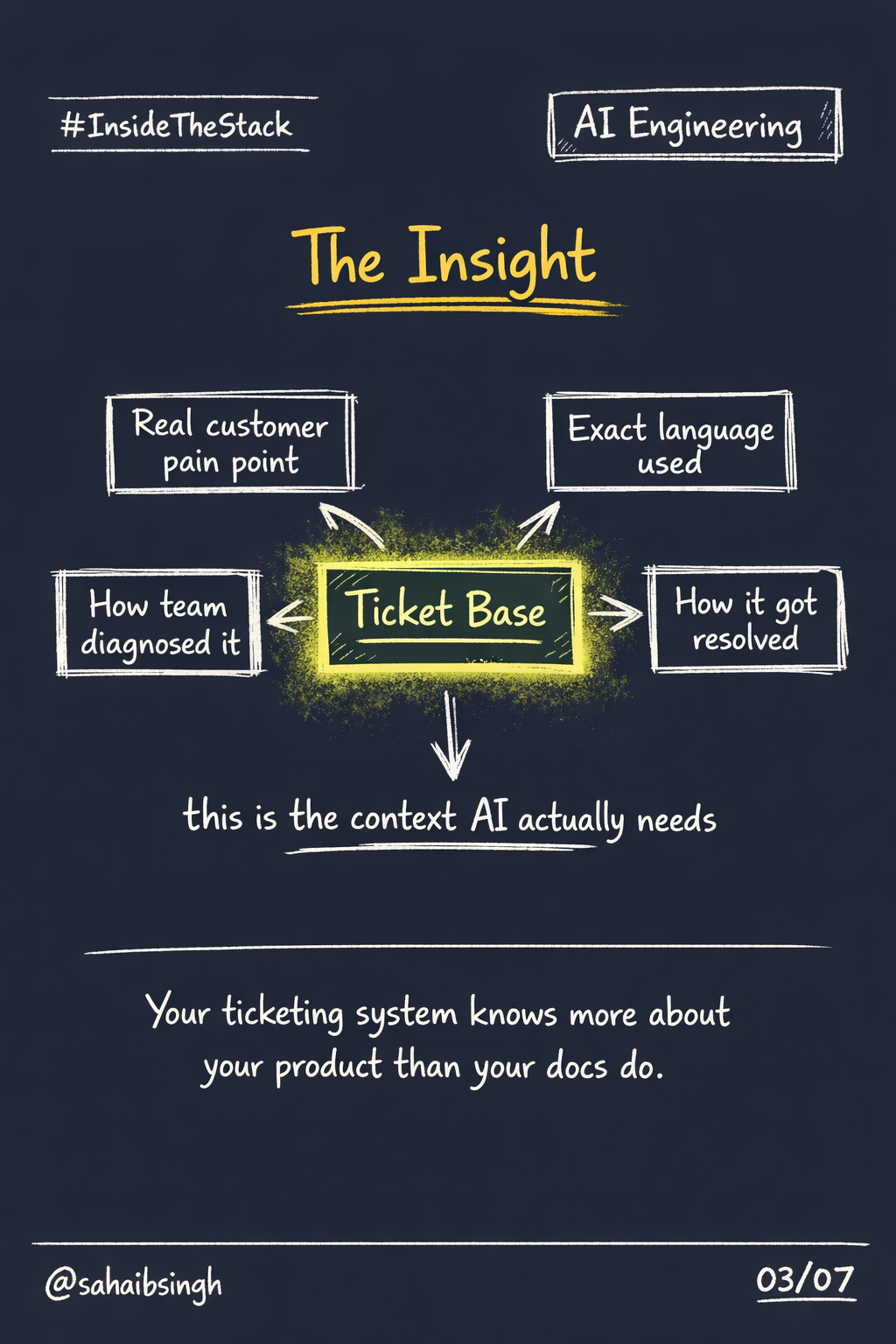
- The customer's exact language when something broke
- The failure pattern, described in context
- How your team diagnosed it
- What actually fixed it
- Edge cases that your documentation never anticipated
This is not secondary information. It is primary. It is the closest thing you have to ground truth about how your product behaves in production for real users.
Most AI assistants ignore it entirely.
What I built
At NAVTOR, I built a support assistant using Microsoft Copilot Studio. The initial version was fed product documentation. It gave accurate answers about how things should work. That is not the same as being useful when something breaks.
The second version pulled from our FreshDesk ticket base.
The pipeline looks like this:
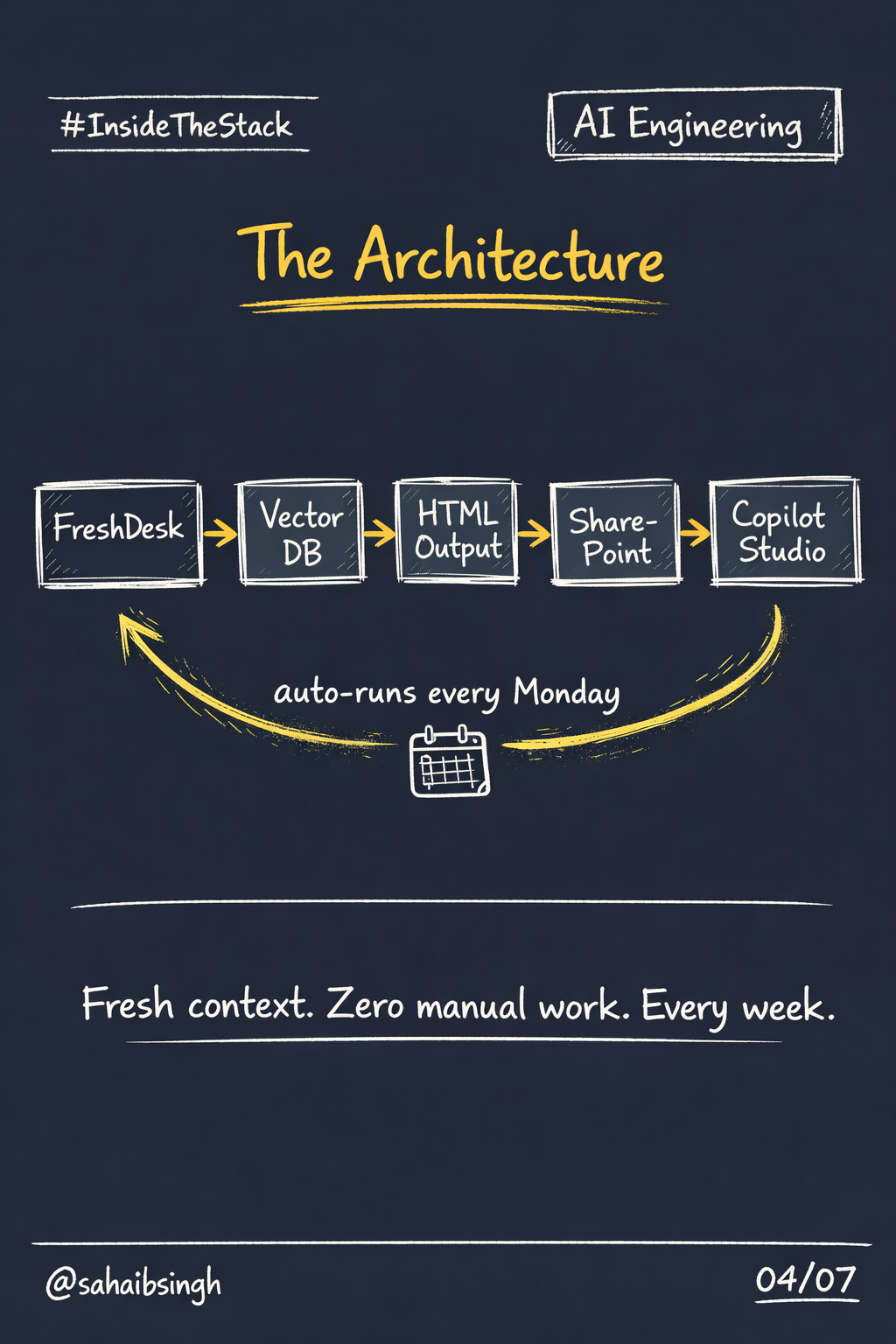
FreshDesk → Vector DB → HTML output → SharePoint → Copilot Studio
Every closed ticket is extracted, vectorised, and converted to structured HTML. That HTML is uploaded to SharePoint, which is connected directly to the Copilot Studio assistant as a knowledge source.
The assistant can now retrieve context from real resolved cases. Not hypothetical scenarios from a help article. Actual failures, actual resolutions.
The automation layer
A cloud utility runs this entire pipeline automatically every Monday.
No manual exports. No human intervention. The knowledge base stays fresh without anyone having to maintain it.
This matters for two reasons.
First, tickets close every week. New failure patterns emerge. New resolutions are documented. If your AI assistant is not ingesting this, it is falling behind the actual support reality of your product.
Second, automation removes the friction that kills good systems. If the pipeline required a manual step, it would eventually stop running. Automation is the difference between a system and a habit.
What changed
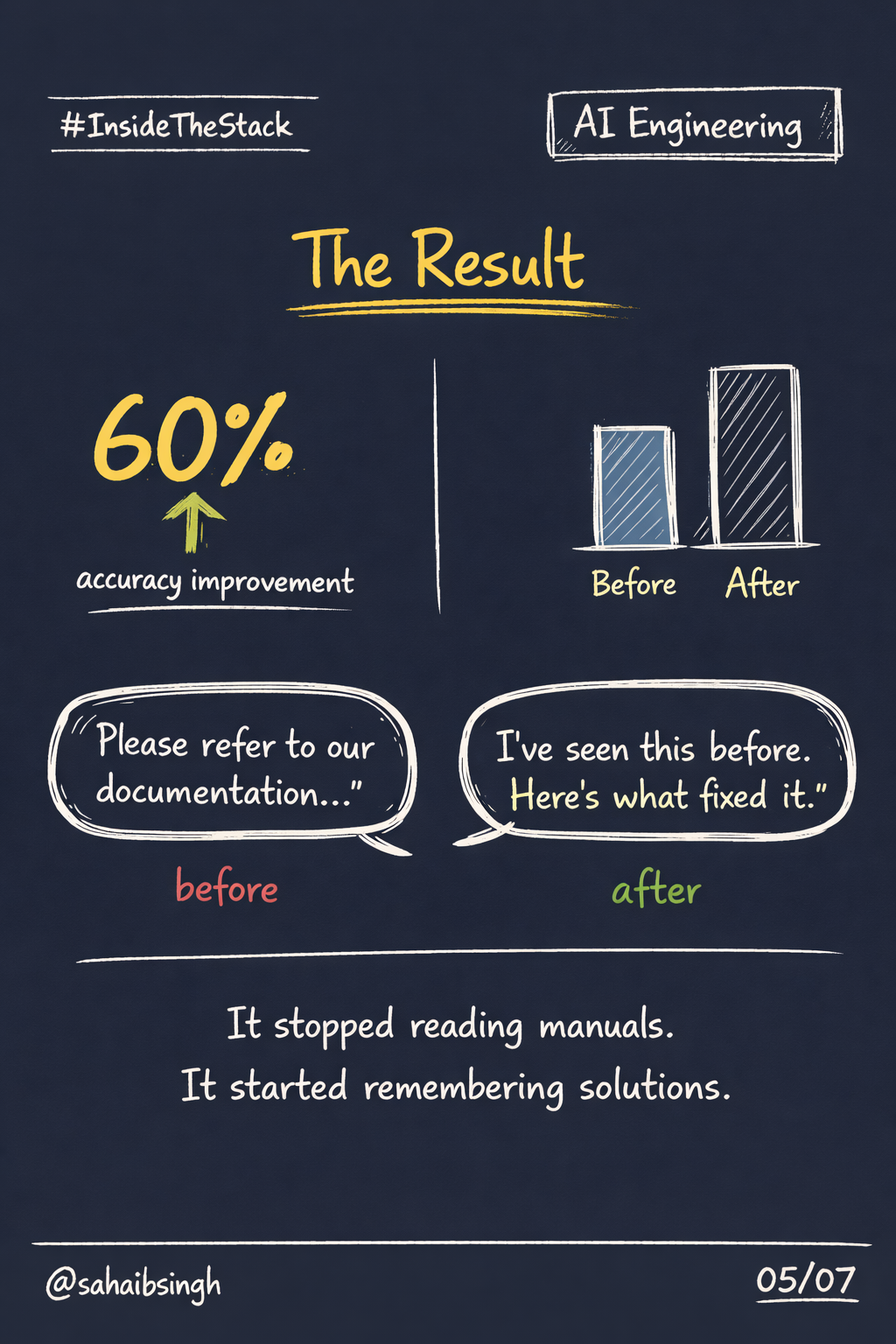
The accuracy of responses improved by 60% immediately after switching to ticket-sourced context.
The remaining 40% is being closed through evaluation training the team is now running. But the number is not the most interesting part.
The interesting part is how the assistant changed qualitatively.
It stopped sounding like someone reading a manual. It started sounding like someone who had seen the problem before. The responses became specific. They referenced the actual pattern. They described the resolution in the language of someone who had worked through it.
That shift happens because the source material changed. Documentation is written generically. Tickets are written in the middle of a real problem, by a real engineer, solving for a real customer.
The broader lesson
Your support team has been building a knowledge base for years. They have been doing it every time they closed a ticket.
That knowledge base has names, timestamps, customer context, resolution steps, and failure patterns. It is more detailed, more accurate, and more operationally relevant than anything you would write by hand.
Most AI implementations treat this as historical data. Something to archive. Something to query if someone needs a report.
That is the wrong mental model.
Your ticket base is live training material. It updates every week. It reflects the actual edge cases of your product. It contains the institutional memory of everyone who has ever worked a support queue.
Feed it to your AI. Automate the ingestion. Watch the quality of the responses change.
The best context for your AI assistant is the one your team already created without realising it.
InsideTheStack is a series about how real systems work underneath modern software, AI products, and infrastructure.